
Sign in
Pick the app for your role
ZawiyaHR runs as a desktop app for HR and a mobile app for every employee — both on the same account, always in sync.
For HR & admins
ZawiyaHR Desktop
Payroll, attendance, leave approvals, documents and company setup. Sign in with the work email and password you created at signup.
Sign in with: Work email + password
For employees
ZawiyaHR Mobile
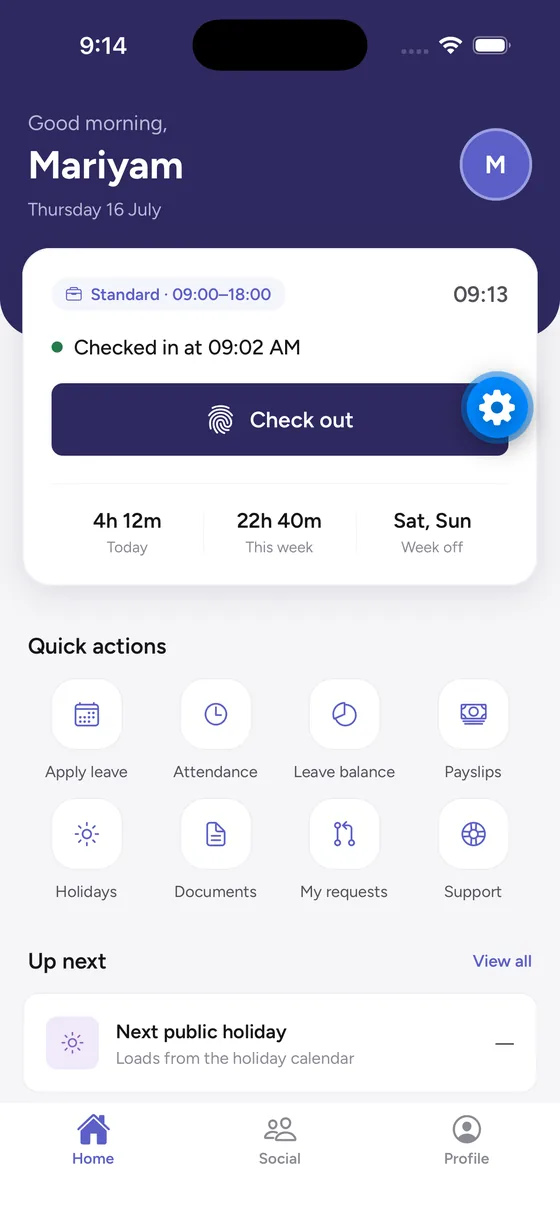
Check in (even offline), apply for leave, claim expenses and download payslips. Your HR team creates your login — you don't sign up yourself.
Sign in with: Username from your HR team
New to ZawiyaHR?
Create your company account first
Sign up on the web, confirm your email, then open the desktop app and sign in as the administrator. You'll add employees and hand out their mobile logins from there.
Can't sign in to the mobile app? Your HR team manages employee logins from the desktop app.